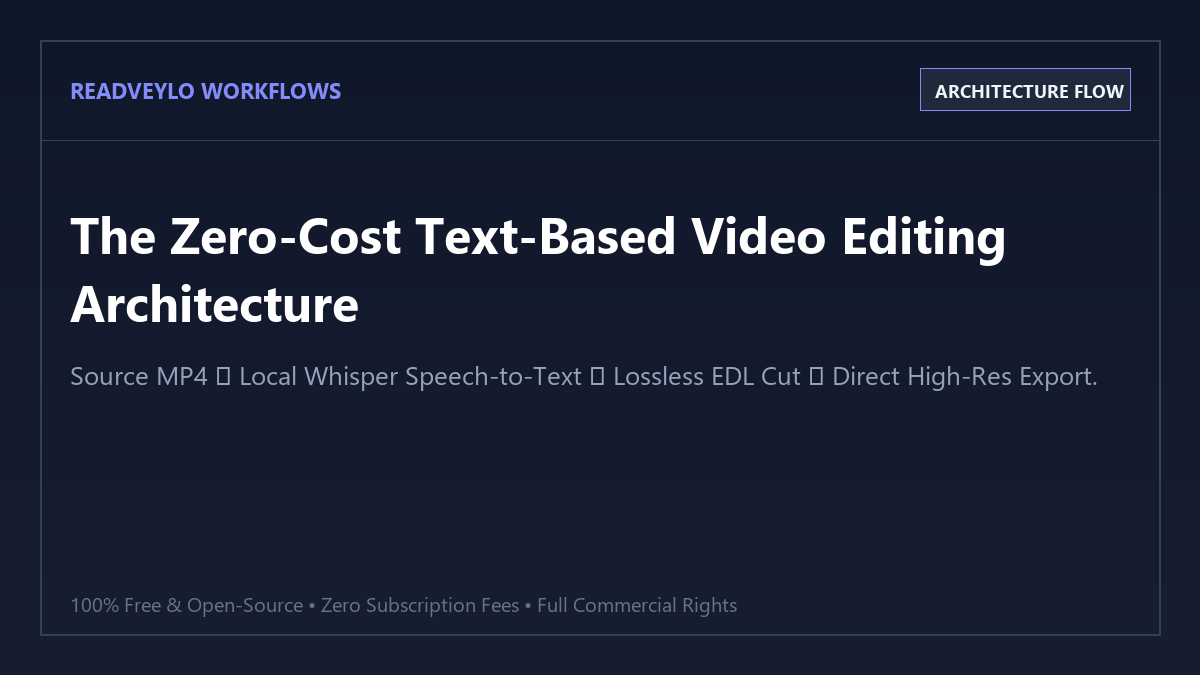
The 4-step text-based video editing blueprint
Text-based video editing works by aligning every spoken word in an audio track to an exact timestamp (word-level timestamps). When you highlight and delete a word or sentence in the text editor, the software trims out those exact video frames without re-encoding the rest of your file.
- Step 1 (Generate Word-Level Transcript): Run OpenAI Whisper locally or via a zero-cost WebGPU tool (like whisper-timestamped) to generate an SRT or VTT file with millisecond word timestamps.
- Step 2 (Load in AutoCut or StoryToolkit): Launch open-source AutoCut or StoryToolkitAI, importing your source MP4 video alongside the Whisper transcript.
- Step 3 (Select & Erase Sentences): Read through the transcript. Highlight stumble takes, awkward silences, or repeated sentences and press Backspace. The underlying video cuts dynamically.
- Step 4 (Lossless Export): Export either a lossless cut MP4 directly (taking under 5 seconds) or generate an EDL / XML timeline file to open inside DaVinci Resolve or Premiere Pro for final grading.
Benchmark Audit: Descript Creator vs. Open-Source Text Editing
To evaluate turnaround speed, export fidelity, and privacy, we benchmarked a 45-minute 4K raw tutorial video edited with Descript Creator ($288/year) versus open-source AutoCut + Whisper ($0/year).
| Capability | Descript (Free Tier) | Descript Creator ($24/mo) | Open-Source AI (AutoCut + Whisper) |
|---|---|---|---|
| Annual Cost | $0.00 (Watermarked) | $288.00 / year | $0.00 (Free & Open Source Forever) |
| Transcription Limits | 1 hour / month | 10 hours / month | Unlimited Hours (Local GPU/CPU) |
| Export Resolution | Capped at 720p | 4K (Slow Cloud Render) | Native 4K / 8K (Instant Lossless Cut) |
| Privacy & Data Security | Uploaded to third-party cloud | Uploaded to third-party cloud | 100% Offline & Local on Your PC |
| Export Speed (45-min file) | ~14 minutes cloud render | ~11 minutes cloud render | < 35 seconds (Direct Stream Copy) |
How lossless stream copying saves hours of re-rendering
When traditional video editors cut clips, they must decompress every H.264/H.265 frame, apply the cut, and re-compress the entire video back into an export file. This causes two massive issues:
- Generation Loss: Re-encoding compresses already-compressed camera files, reducing sharpness and adding color banding.
- CPU/GPU Overheating: Rendering a 45-minute 4K video consumes significant power and takes anywhere from 10 to 30 minutes.
By combining Whisper's word timestamps with lossless cutting engines, the software only trims keyframe boundaries (I-frames) or performs smart rendering only on the cut points. The video data itself is copied bit-for-bit, meaning your 4K video exports in under a minute without losing a single pixel of quality.
Pairing this text-editing setup with our automated pipeline to remove silence from videos for free and our guide to auto-generate stylish animated captions with AI allows you to turn raw footage into a polished YouTube video or short in record time.
Frequently Asked Questions
Can I export directly into Premiere Pro or DaVinci Resolve?
Yes. Both AutoCut and StoryToolkitAI can output .xml (Final Cut Pro XML) and .edl files. When you import this file into DaVinci Resolve or Premiere Pro, your entire cut timeline appears instantly with all cuts and sync intact, ready for color grading and sound design.
What hardware is required to run Whisper locally?
Whisper runs efficiently on modern multi-core CPUs using Whisper.cpp or faster-whisper. If you have an NVIDIA GPU with at least 4GB VRAM or an Apple Silicon Mac (M1/M2/M3), Whisper models transcribe a 30-minute video in under 90 seconds.
Does text editing work for multi-speaker podcasts?
Yes. By enabling Whisper speaker diarization (powered by pyannote.audio), each speaker's lines are automatically color-coded and labeled, allowing you to edit multi-host conversations seamlessly.