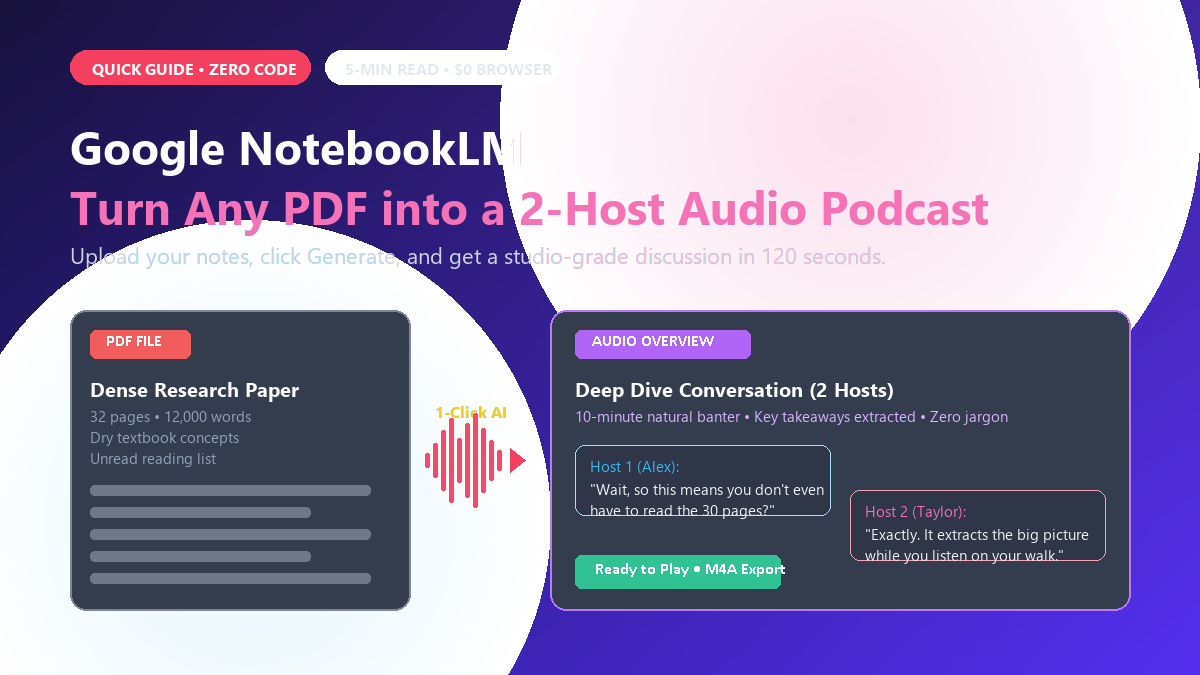
- Tool: Google NotebookLM (notebooklm.google.com).
- Cost: 100% Free with any personal Google account.
- Input: PDFs, Google Docs, copied text, or web links (up to 50 files).
- Result: A downloadable 8- to 12-minute audio file where two realistic voices banter, simplify ideas, and summarize the text.
What is it and why does it matter?
Reading a 30-page research paper, company report, or study syllabus after a long day takes heavy focus. NotebookLM solves this by converting written material into spoken conversation.
Instead of reading dry bullet points, you get two AI hosts who sound like real podcast presenters. They crack small jokes, connect themes, ask each other clarifying questions, and break down dense jargon into plain English. It runs on Google's Gemini models in the cloud, but the interface requires zero technical knowledge.
How to make your first AI podcast in 3 steps
-
Open the tool: Go to
notebooklm.google.comin your browser and sign in with your regular Google account. - Upload your document: Click New Notebook. Drop in your PDF, paste copied text, or select a Google Doc from your Drive.
- Generate the audio: Look at the Notebook guide panel on the right side. Under Audio Overview, click the black Generate button. Wait roughly two minutes.
Once generated, you can play the audio directly in your browser or click the three vertical dots to download the .m4a audio file straight to your phone.
Where this works best
- Study sessions on the move: Listen to difficult lecture notes while walking, commuting, or doing laundry.
- Work reports: Get a rapid grasp of a 40-page quarterly update before walking into a meeting.
- Screen breaks: Rest your eyes by absorbing written material through sound instead of staring at PDFs for hours.
The honest limits (where it falls short)
The hosts summarize and interpret concepts rather than reading verbatim sentences. Do not rely on the audio for precise legal language or mathematical equations. Always check the written notebook text for exact figures. In addition, the hosts maintain an upbeat, cheerful tone throughout, which can sound slightly strange if your source document discusses serious or sensitive topics.
For everyday learning and quick reviews, it is one of the easiest ways to turn text into actionable knowledge without technical setup.