
Few things in academic research are more demoralizing than having a manuscript rejected, only to realize the next journal requires an entirely different citation format, margin layout, and reference numbering system.
One publisher wants double-spaced Word documents with APA parenthetical references. The next requires a two-column IEEE format with numbered brackets. Manually adjusting fonts, reordering 60 citations, and tweaking figure captions steals 15 to 20 hours of valuable research momentum.
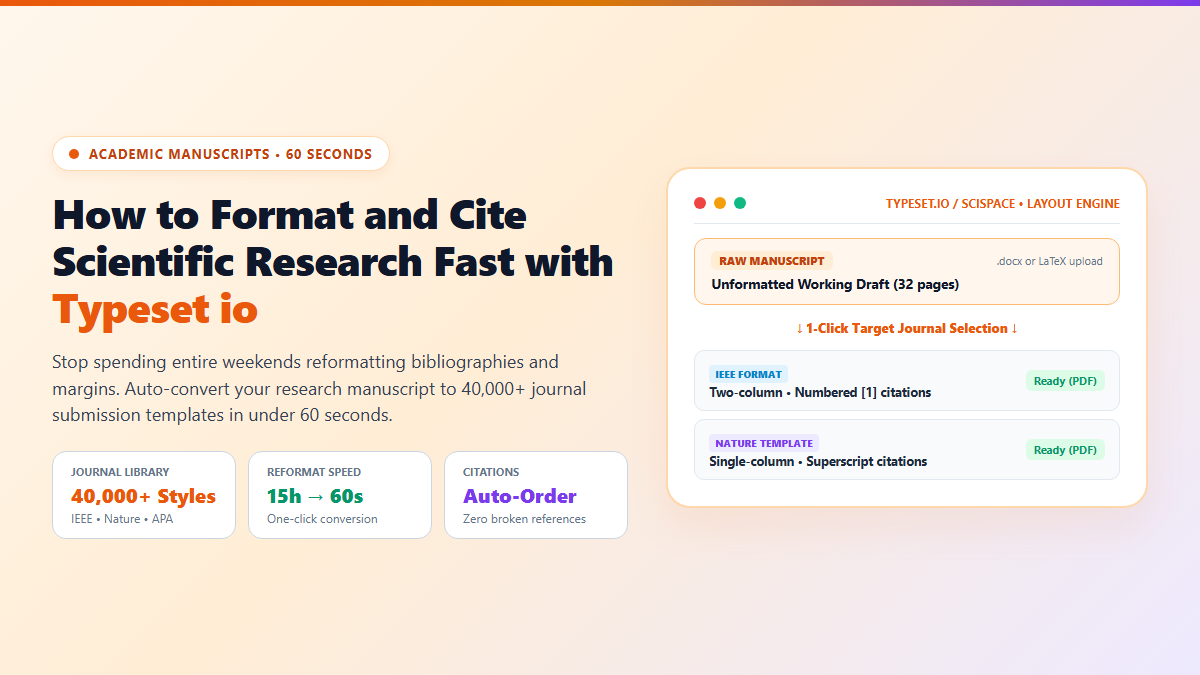
That is where Typeset io (now operating under SciSpace at typeset.io) transforms the publication pipeline. It is a web-based auto-formatting engine that converts raw manuscripts into compliant journal layouts in under 60 seconds directly inside your browser.
What Is Typeset io and What Can It Do for You?
Instead of manually wrestling with complex LaTeX preamble templates or broken Word stylesheets, Typeset io decouples your writing from layout formatting:
- 40,000+ Verified Journal Templates: Instantly switch between IEEE, Nature, Elsevier, Springer, APA, and PLOS ONE guidelines with a single click.
- Automated Citation Reordering: Changes author-year citations (Vaswani et al., 2017) to sequential superscript numbers (¹) or brackets ([1]) automatically across the entire body text.
- Zero Broken Figures or Math: Mathematical equations and table layouts adjust dynamically to single-column or double-column grids without overflow errors.
- 1-Click Export to PDF or LaTeX: Download production-ready camera-ready PDFs or clean zip packages with compliant
.texsource files.
The 60-Second Browser Workflow to Reformat Any Paper
- Step 1: Upload Your Working Draft: Go to typeset.io in your browser. Upload your draft as a standard
.docxfile or paste the text directly into the web editor. - Step 2: Search Your Target Journal: Type the name of the journal or conference (e.g., "IEEE Transactions on Neural Networks" or "Nature Communications"). Select the verified publisher template.
- Step 3: Auto-Format in 1 Click: Click Format Manuscript. In roughly 15 seconds, Typeset io restructures the layout, aligns heading hierarchies, numbers references sequentially, and applies the exact font and margin geometry required by the journal's editorial board.
- Step 4: Download Camera-Ready Output: Preview the side-by-side layout, verify table placements, and export your publication-ready PDF or LaTeX archive.
Use Typeset io for: Multi-journal submission speed. Reformat drafts in under a minute without debugging missing .sty packages or broken bib references.
Pair with Reference Tools: Keep your master bibliography organized in Zotero. Check our guide on building an automated academic engine with Zotero plugins to sync BibTeX cleanly.
By delegating journal formatting to Typeset io, you eliminate the single most frustrating administrative headache in academic publishing. You focus entirely on the substance of your research.