
The most tedious part of a literature review is the administrative busywork. You find an intriguing paper on PubMed or IEEE, download a file with a cryptic name like 10.1038_s41586-024-00123.pdf, drag it to a desktop folder, and then spend three minutes manually copying the authors, publication year, volume, and issue numbers into your notes.
Multiply that friction by 40 papers, and you have wasted half a work day doing repetitive data entry instead of analyzing evidence.
That is where the official zotero connector (zotero.org) changes the game. It is a lightweight browser extension for Chrome, Safari, Edge, and Firefox that turns paper discovery into an automated 1-click capture workflow.
What Is Zotero Connector and What Can It Do for You?
Instead of scraping raw text or requiring manual downloads, Zotero Connector communicates directly with underlying web metadata translators:
- Context-Aware Icon Detection: The extension icon dynamically transforms based on what you are viewing—showing a journal page icon for research papers, a book icon on library catalogs, or a yellow folder when viewing multiple search results on Google Scholar.
- Automated Full-Text PDF Retrieval: When you save a paper, Zotero Connector queries open-access repositories (including Unpaywall and arXiv) to locate and download the full-text PDF automatically.
- Campus Proxy Redirection: Automatically routes paywalled publisher links through your university's institutional login so you never get hit with a $40 paywall prompt.
- Batch Multi-Paper Capture: Search a topic on Google Scholar or PubMed, click the yellow folder icon, check 10 papers in the checklist, and import all 10 citations and PDFs in five seconds.
The 60-Second Browser Workflow to Capture Any Research Paper
- Step 1: Install the Extension: Add Zotero Connector from the Chrome Web Store or your browser's addon repository. Keep your desktop Zotero application running in the background.
- Step 2: Navigate to Any Paper: Open an academic paper on PubMed, ScienceDirect, Nature, or arXiv. Notice the Zotero icon in your browser toolbar turns into a miniature document icon.
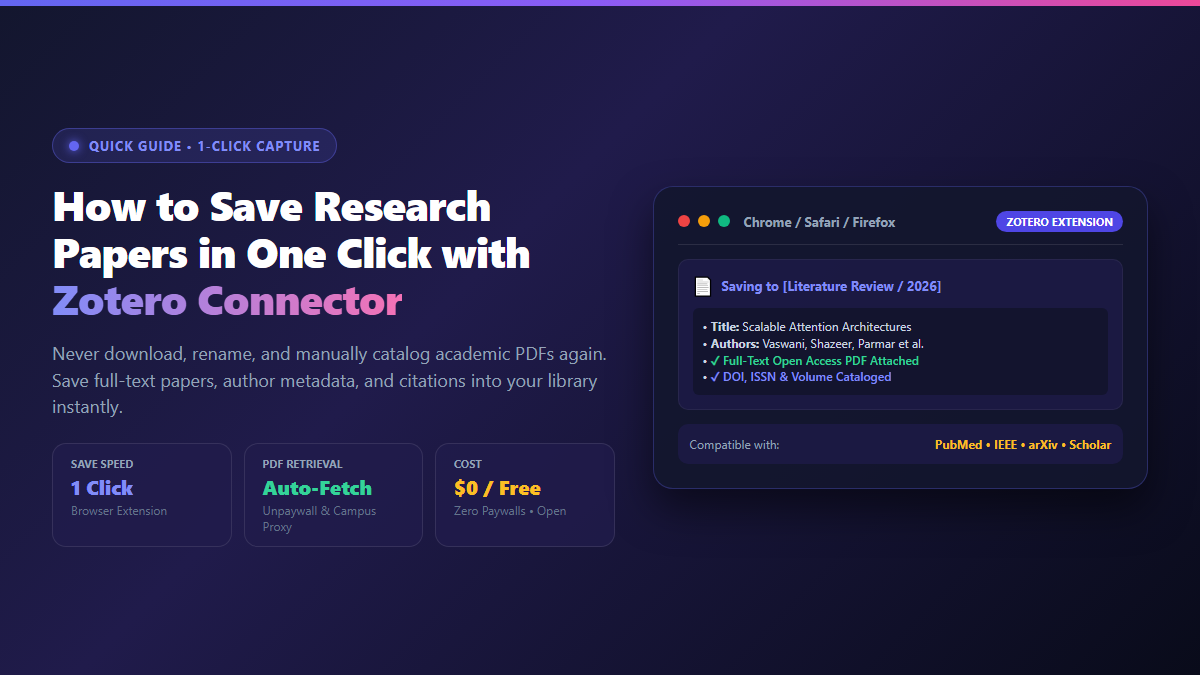
- Step 3: Click the Connector Icon: Click the icon once. A clean notification popup confirms the paper title, author list, and reveals a green checkmark as the full-text PDF is downloaded.
- Step 4: Select Your Target Collection: In the popup dropdown, select which project folder or literature review collection to store the reference in. The metadata is instantly indexed and ready for citation.
Bypass Paywalls via Proxy: In your browser, open Zotero Connector Preferences → Proxies. Check "Enable proxy redirection" and add your university login URL.
Power Up Your Vault: Pair Connector with automatic file renaming and citation plugins. Check our deep dive on transforming your research with Zotero plugins.
With Zotero Connector operating in your browser, cataloging literature becomes completely frictionless. You find the paper, click once, and get back to reading.