
Every time I need to map a backend system architecture or draft a quick user onboarding funnel, traditional whiteboard software gets in the way. You spend twenty minutes nudging bezier curves, fixing snap grids, and picking color palettes before you have even captured the actual workflow.
By the time the diagram looks decent, you have completely lost your train of thought. Heavier enterprise tools turn quick visual thinking into tedious graphic design chores.
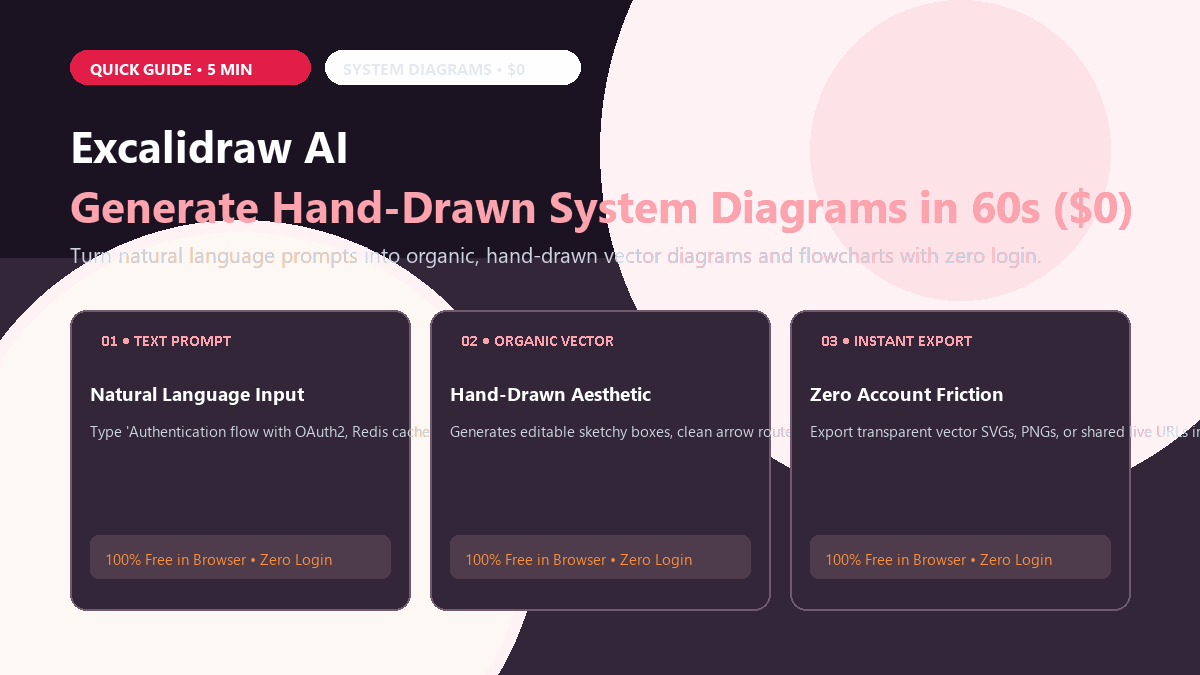
Excalidraw AI cuts out the alignment friction entirely. You write three lines of plain text describing your system, hit generate, and get a clean, hand-drawn flowchart ready to embed directly into your documentation.
The 3-Step Diagram Workflow
- Open excalidraw.com in any browser. You do not need to register an account, enter an email, or install browser extensions. A blank virtual whiteboard opens immediately.
- Click "Text to Diagram" (AI Assistant). Click the sparkle or "More tools" menu icon at the top of the canvas, then select "Text to diagram."
- Enter your prompt and generate. Type a clear technical description, such as:
"User signs up with email → Verification email sent via Resend → Auth token stored in Redis session cache → Profile saved in PostgreSQL database."
Click Generate. Within 10 seconds, Excalidraw lays out styled sketchy containers, labeled connector arrows, and intuitive flow hierarchy directly onto your infinite canvas.
Because every element is native Excalidraw vector geometry, you can double-click any box to edit text, drag connector arrows to new endpoints, or change colors instantly using the left-hand palette.
Where It Falls Short
- Complex 50+ node enterprise schemas: While Excalidraw AI handles 5-to-15 node architectures cleanly, giant enterprise topologies can end up with tangled connector routes that require a few minutes of manual dragging.
- No automatic database reverse engineering: It cannot connect directly to a live SQL schema file to auto-generate foreign key relations; you must describe the relationship in your prompt.
- Public browser session storage: Drawings are stored in your browser's local cache. If you clear cookies without exporting your file, your whiteboard session will disappear.
If you prefer clean typographic infographics and presentation cards over hand-drawn whiteboards, explore our 60-second guide on using Napkin AI to turn raw text into clean infographics or our guide on generating vector SVGs with Recraft AI.