The 4-step private second brain blueprint
By coupling Obsidian’s local markdown files with Ollama's local LLM inference and a local vector embedding model, you can ask questions across thousands of personal notes and receive grounded answers with direct markdown citations.
- Step 1 (Install Ollama & Pull Models): Download Ollama and run
ollama run llama3.2(for conversational Q&A) andollama pull nomic-embed-text(for local vector embeddings). - Step 2 (Enable Obsidian Smart Connections): In Obsidian, install the community plugin Smart Connections or Copilot, configuring the API endpoint to your local Ollama address (
http://localhost:11434). - Step 3 (Index Note Embeddings Locally): Click "Start Indexing". The plugin embeds all markdown notes into a local SQLite vector database in under two minutes without sending a single byte over the internet.
- Step 4 (Chat & Discover Unlinked Notes): Open the AI side-panel. Ask questions like *"What were the key takeaways from my biology lecture notes last week?"* or use the "Smart Links" view to discover unseen connections between separate ideas.
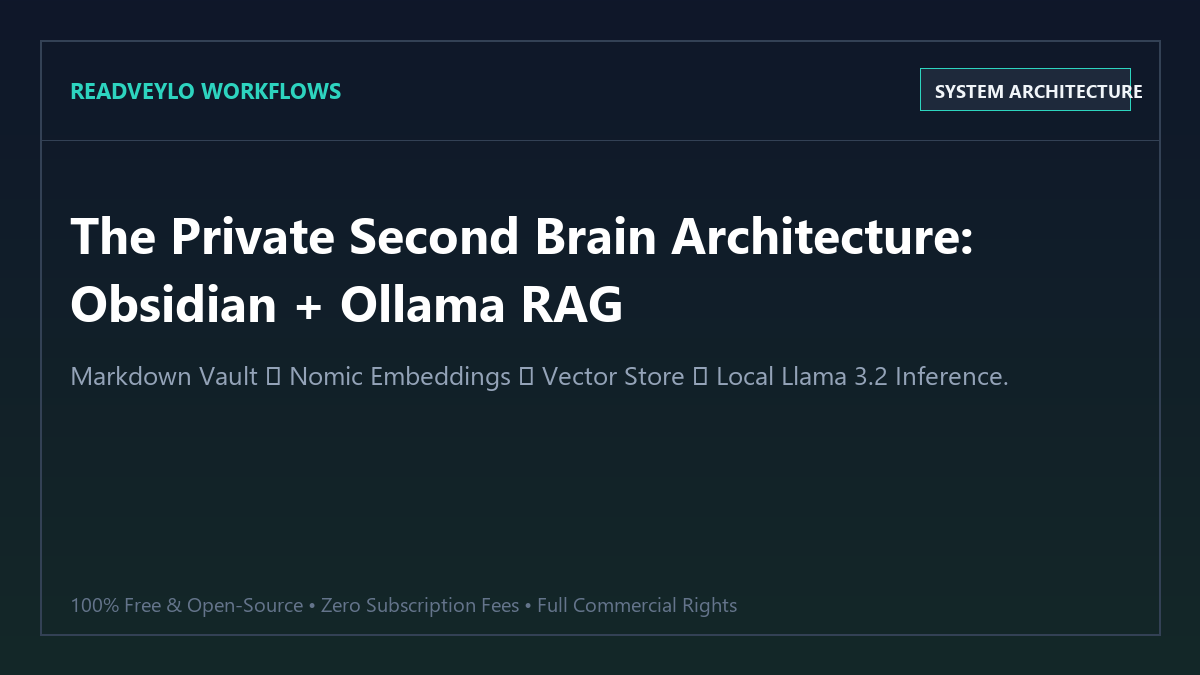
Benchmark Audit: Notion AI vs. Obsidian + Ollama
We evaluated both systems across search latency, data privacy, long-term portability, and annual cost across a personal vault containing 1,200 research notes.
| Feature | Notion AI ($10/mo) | Obsidian + Ollama ($0/mo) |
|---|---|---|
| Annual Cost | $120.00 / year | $0.00 (100% Free Forever) |
| Data Ownership & Privacy | Stored on proprietary cloud servers | Plain-text Markdown on Your Local Drive |
| Offline Capability | Requires constant internet connection | 100% Offline (Works on airplanes & remote) |
| Custom LLM Selection | Locked to Notion's fixed cloud models | Any model (Llama 3.2, Mistral, Gemma 2, DeepSeek) |
| Vendor Lock-in | High (Proprietary database export) | Zero (Open .md files readable anywhere) |
Why local vector embeddings outperform keyword search
Traditional search inside note-taking apps relies on exact keyword matching. If you search for *"sleep hygiene"*, traditional search misses notes discussing *"circadian rhythms"* or *"melatonin supplements"*.
Local embedding models like nomic-embed-text convert sentences into multi-dimensional mathematical vectors. When you ask a question, the local engine calculates cosine similarity, retrieving notes that share the exact same concept—even when you used completely different vocabulary.
If you already use our system for local AI coding with Ollama, this knowledge base uses the exact same local inference runtime, saving disk space and memory. You can also feed research directly from our NotebookLM study workflow for dense PDFs and integrate it with our AI-powered study system to prepare for exams and master complex topics.
Frequently Asked Questions
How much RAM does Ollama need to run smoothly?
Ollama with Llama 3.2 (3B parameters) or Gemma 2 (2B) runs smoothly on laptops with just 8GB of RAM. If you have 16GB of RAM or an Apple Silicon Mac, you can run larger 8B models (like Llama 3.1 8B or Mistral 7B) with lightning-fast response times.
Can I sync my Obsidian vault to my phone?
Yes. Because Obsidian vaults are simple folders of markdown files, you can sync them across your phone and tablet using free tools like Syncthing, iCloud, or Git without paying for Obsidian Sync.
Is my personal data completely safe?
Yes. Ollama runs entirely locally on your machine. When indexing or chatting with your notes, zero network packets leave your computer, ensuring complete confidentiality for journals, research, and client notes.