Every time I tried using whiteboarding tools like Miro or XMind to diagram a syllabus or software architecture, I ended up spending 80% of my time nudging rectangular boxes into alignment, fixing overlapping bezier arrows, and fighting monthly export limits.
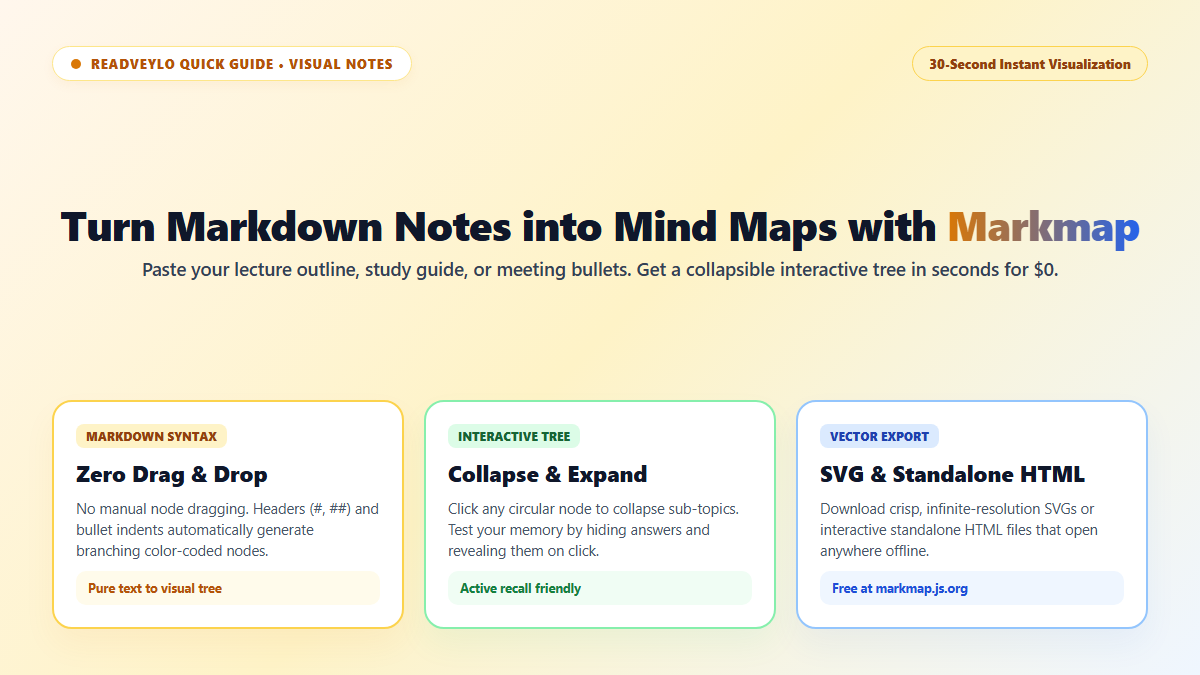
That manual formatting tax is pure friction. I completely stopped drawing diagrams by hand the day I started using Markmap (markmap.js.org/repl). It is a lightweight, open-source engine that parses standard markdown indentation into interactive, collapsible vector trees in real time.
No accounts, no downloads, and zero subscriptions. You paste a nested list of notes, and it instantly renders an expandable, zoomable visual graph that you can interact with or export straight to SVG.
How Markmap Converts Nested Markdown into Visual Trees
Markmap relies on the natural structure of text you already write. Any nested bullet or heading hierarchy automatically becomes a branching visual node:
- Headings Become Core Branches: An
# H1creates the central root node;## H2and### H3tags generate the primary thematic branches. - Indented Bullets Form Leaves: Hyphens (
-) followed by standard 2-space or 4-space tab indentation build the granular detail nodes. - Rich Formatting Renders In-Node: Bold text (
**term**), inline code backticks (`code`), and web hyperlinks render directly inside the visual canvas without breaking tree geometry.
- Open the Web REPL: Visit markmap.js.org/repl in any browser.
- Paste Your Notes: Replace the default sample text in the left pane with your lecture outline, book summary, or project checklist. The interactive tree renders instantly on the right.
- Collapse & Export: Click the small circles on any branch to collapse child nodes for active recall testing. When finished, click Export as SVG for infinite-resolution vector graphics, or Export as HTML to save an interactive, self-contained file that runs anywhere offline.
Interactive Collapsing and Vector Export Options
Markmap is particularly effective for exam preparation. By clicking parent nodes to hide child details, students can turn an entire course syllabus into an interactive active-recall diagram, reciting mechanisms aloud before clicking to verify the answer.
If you take lecture notes in Notion or Obsidian, pair this with our guide on NotebookLM visual mind maps or our blueprint for building spaced repetition systems in RemNote to turn structured notes into permanent memory.
