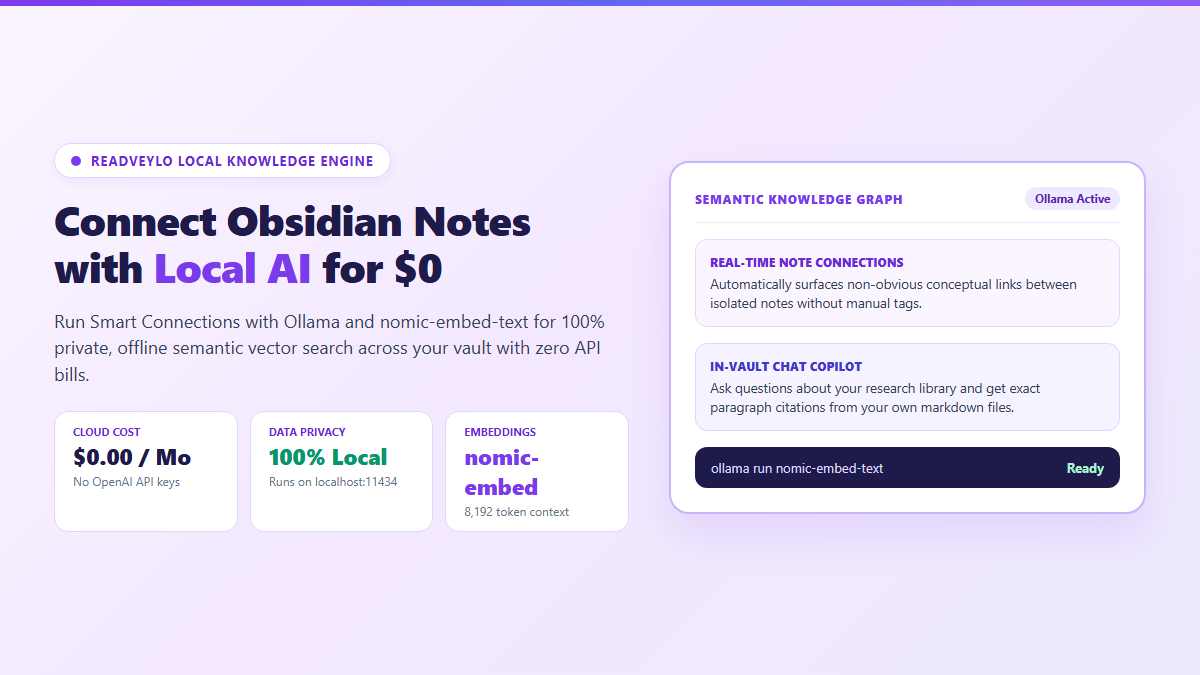
- Local Embedding Engine: Ollama serving
nomic-embed-text(8,192 token context, 274 MB disk footprint). - Zero Cloud Billing: $0 forever. No OpenAI API credits, monthly recurring subscriptions, or internet connection needed.
- Serendipity Engine: Smart View automatically finds conceptual bridges between isolated notes written years apart.
- RAG Chat Mode: Query your entire research vault in natural language with local models like
qwen2.5:7borllama3.2:3b.
The entire reason I migrated my notes into Obsidian was to own my data locally without subscription lock-in or cloud surveillance. So watching developers routinely paste paid OpenAI API keys into their vaults just to search their own notes felt completely backwards.
When your vault scales past a few hundred markdown files, manual [[wikilinking]] hits a wall. You remember drafting an analysis of distributed databases eighteen months ago, but because you used different keywords in your morning notes, the two thoughts sit in isolated folders with zero connective tissue.
You don't need cloud billing to solve this. Whether you prefer spatial synthesis with Obsidian Canvas for visual literature mapping or automated semantic vector search, pairing the open-source Smart Connections plugin with Ollama running nomic-embed-text on localhost, you get instant semantic discovery across your entire second brain—100% offline, zero API fees, and zero bytes leaking to external servers.
The Offline Architecture: How Obsidian Pairs with Local Ollama
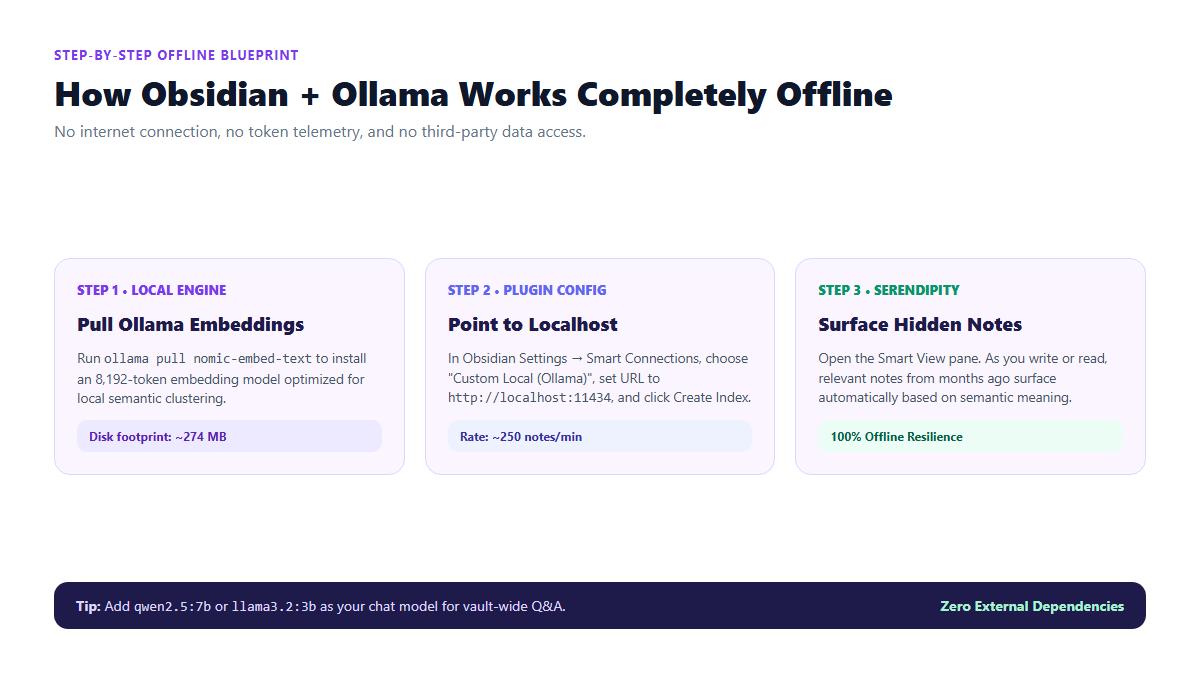
Step 1: Install Ollama and Pull the Embedding Model
Ollama serves as the local inference engine on your computer. If you have not yet installed it, grab the official package for macOS, Windows, or Linux from ollama.com.
Next, open your system terminal (PowerShell on Windows, Terminal on macOS) and download the dedicated embedding model:
# Pull the 8,192-token embedding model (274 MB)
ollama pull nomic-embed-text
Unlike generic chat models, nomic-embed-text is specifically trained for high-density semantic clustering and long-context text retrieval. To confirm Ollama is active on your machine, test its local endpoint:
curl http://localhost:11434/api/tagsStep 2: Install and Configure Smart Connections in Obsidian
- Inside Obsidian, open Settings → Community plugins.
- Turn on community plugins if disabled, click Browse, search for Smart Connections, and click Install, then Enable.
- In the left sidebar, select the Smart Connections settings pane.
- Under Embedding Model Settings:
- Set Embedding Model Provider to:
Custom Local (Ollama) - Set Server URL to:
http://localhost:11434 - Set Model Name to:
nomic-embed-text - Set Context Limit (Tokens) to:
8192
- Set Embedding Model Provider to:
- Under Folder Exclusions, add
.trash, templates, attachmentsso image files and boilerplate snippets are excluded from your vector index.
Step 3: Embed Your Vault and Surface Serendipitous Links
Click the Create / Refresh Index button. Smart Connections will begin processing your markdown notes into local vector embeddings:
Once completed, click the Smart Connections spark icon in the right ribbon. The Smart View pane will open. As you write or read any note in your vault, Smart Connections calculates similarity distances in real-time, displaying related notes ranked by semantic closeness.
Adding an Offline Chat Assistant for Vault-Wide Q&A
Smart Connections also features Smart Chat, allowing you to ask conversational questions directly about your notes.
To power Smart Chat without paying cloud fees, pull an instruction-tuned local LLM:
# For modern laptops with 16GB RAM:
ollama pull qwen2.5:7b

# Or for lighter machines with 8GB RAM:
ollama pull llama3.2:3b
In Obsidian Settings under Smart Connections, set the Chat Model to Custom Local (Ollama) with model name qwen2.5:7b. Open Smart Chat and prompt: "Find every note in my vault discussing habit formation and compare their core arguments." The model will cite your exact markdown file titles with zero external cloud dependencies.
