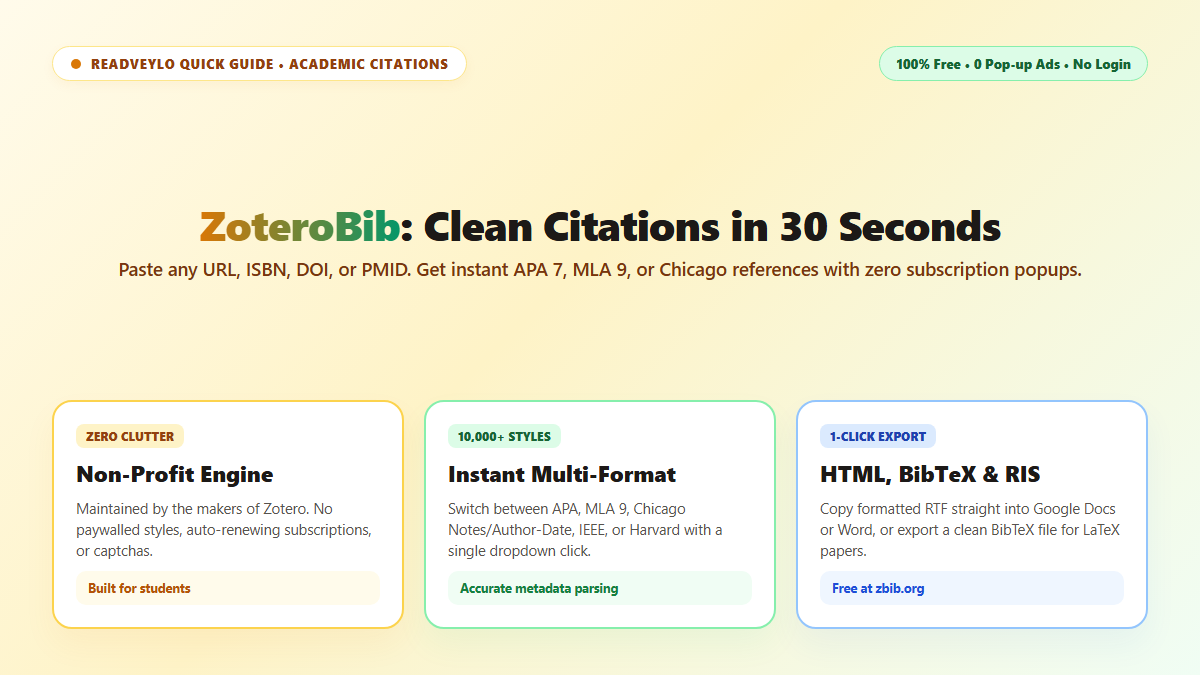
Try generating a bibliography on EasyBib or Citation Machine right now, and you'll run directly into an obstacle course of auto-playing video ads, battery-draining tracking scripts, and countdown timers. Worse, if you need APA 7th edition or Chicago format, they lock it behind a recurring monthly paywall right when your assignment is due.
I threw those commercial portals in the trash the moment I found ZoteroBib (at zbib.org). Built by the Corporation for Digital Scholarship—the non-profit team behind the full desktop Zotero app—it parses any URL, ISBN, DOI, or PMID into flawless citations across 10,000+ academic styles in under 30 seconds.
No ads, no cookie banners, no forced account creation, and zero paywalls. It runs entirely in your browser memory and saves your bibliography locally so refreshing the tab won't nuke your work.
Why Commercial Citation Generators Became Unusable
Most commercial citation portals are operated by digital ad brokers that monetize last-minute assignment stress. They introduce three major problems:
- Paywalled Styles: Requiring credit cards or "free trial" subscriptions just to export standard APA 7th edition or Chicago manual formats.
- Memory-Draining Ads: Dozens of unoptimized programmatic trackers that freeze low-powered student laptops.
- Mangled Metadata: Primitive web scrapers that frequently drop volume numbers, publication years, and co-authors.
- Backed by Zotero Translators: Employs the same battle-tested bibliographic scrapers as desktop Zotero across PubMed, Google Books, and JSTOR.
- Local Browser Persistence: Your bibliography automatically saves to your browser's local storage; closing the tab never erases your working list.
- 10,000+ Styles: Instant 1-click toggling between APA 7, MLA 9, Chicago, IEEE, Harvard, and nature journals.
Three Quick Steps to Generate Formatted References
- Paste Identifier: Go to zbib.org, paste a paper DOI, textbook ISBN, or article URL into the top search bar, and click Cite.
- Select Style: Choose your required style from the dropdown. ZoteroBib automatically updates hanging indents, author initials, and title italics in place.
- One-Click Export: Click Copy to Clipboard to paste formatted rich text directly into Google Docs or Word with hanging indents intact. For LaTeX workflows, click Export and choose clean
.bibformat.
Need to conduct broader literature scoping before citing? Pair this with our 60-second guide on searching 250 million papers on OpenAlex, our breakdown of Perplexity vs ChatGPT for research or our guide to decoding math papers with SciSpace Copilot.
