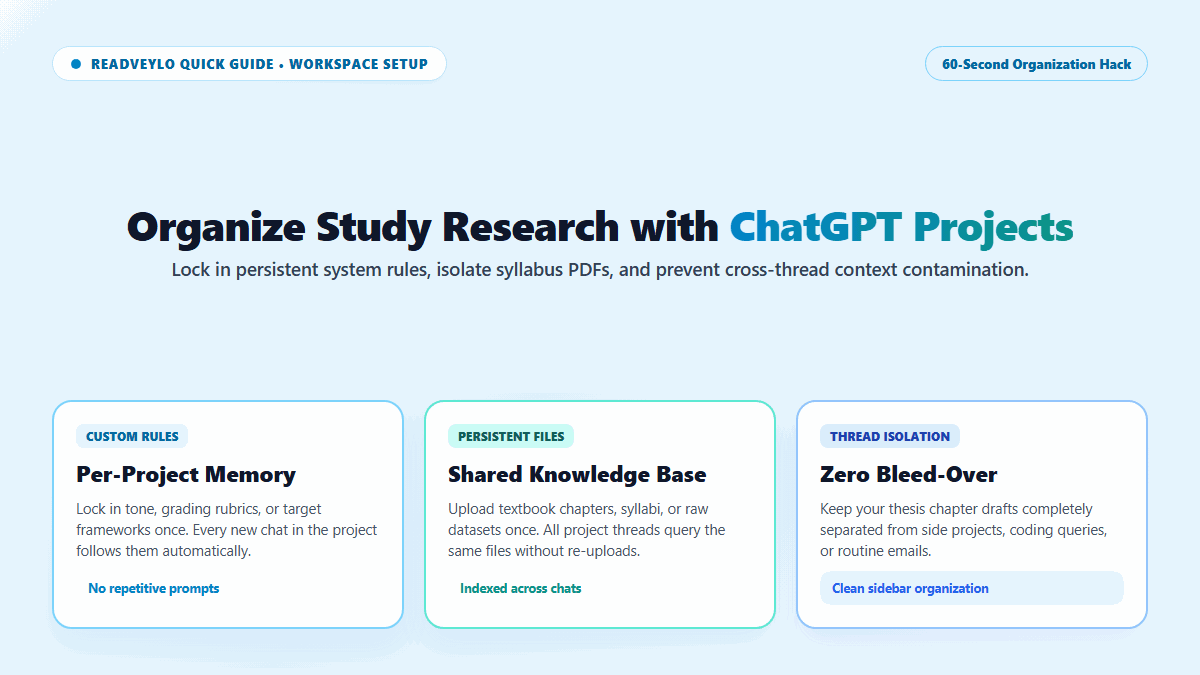
If your ChatGPT sidebar looks like an endless graveyard of untitled conversations where lecture prep sits scrambled together with bug fixes and weekend travel plans, you're hemorrhaging mental focus. Even worse, every time you open a new chat, you have to re-paste your syllabus instructions, grading rubrics, and formatting rules just to get relevant answers.
That repetitive setup overhead is pure friction. I killed the copy-paste loop the day I organized my coursework into ChatGPT Projects. Instead of ephemeral chats, Projects creates dedicated, sandboxed folders where custom rules, uploaded reference PDFs, and related threads persist together indefinitely.
You configure the system rules once, drop in your core reference files, and every subsequent chat inside that folder automatically inherits full context without you typing a single word of background setup.
- Persistent Custom Rules: Set writing tone, academic level, and citation requirements once; all new chats in the project inherit them.
- Shared File Memory: Upload syllabus PDFs, lecture slides, or dataset CSVs once; every conversation in the folder can reference them simultaneously.
- Zero Context Cross-Contamination: Coding parameters or side hobbies will never bleed into your formal essay brainstorming threads.
Three Quick Steps to Set Up a Course Workspace
- Create the Project: In ChatGPT's left navigation sidebar, select Projects and click New Project. Title it after your specific course (e.g., "ECON 302 Macroeconomics").
- Lock In Instructions: Click Set project instructions. Enter your baseline criteria: specify required reading formats, ban generic AI clichés, and demand empirical justifications.
- Upload Course Files: Drag and drop your course syllabus, lecture reading packets, or grading rubrics into the Files tab.
Pro Rules for Academic Isolation
- One Project Per Course Module: Avoid vague umbrella folders like "College". Separate quantitative STEM courses from humanities seminars to avoid tonal collisions.
- Update at Finals: Switch project instructions from open-ended Socratic explanation during midterms to rigorous critique and counter-argument stress-testing during finals week.
- Integrate with Canvas: Trigger ChatGPT Canvas inside your project to edit essays interactively while maintaining access to all uploaded course reading files.
Pair your course organization with our Perplexity vs ChatGPT research workflow and our 60-second guide on generating NotebookLM flashcards from lecture PDFs.
